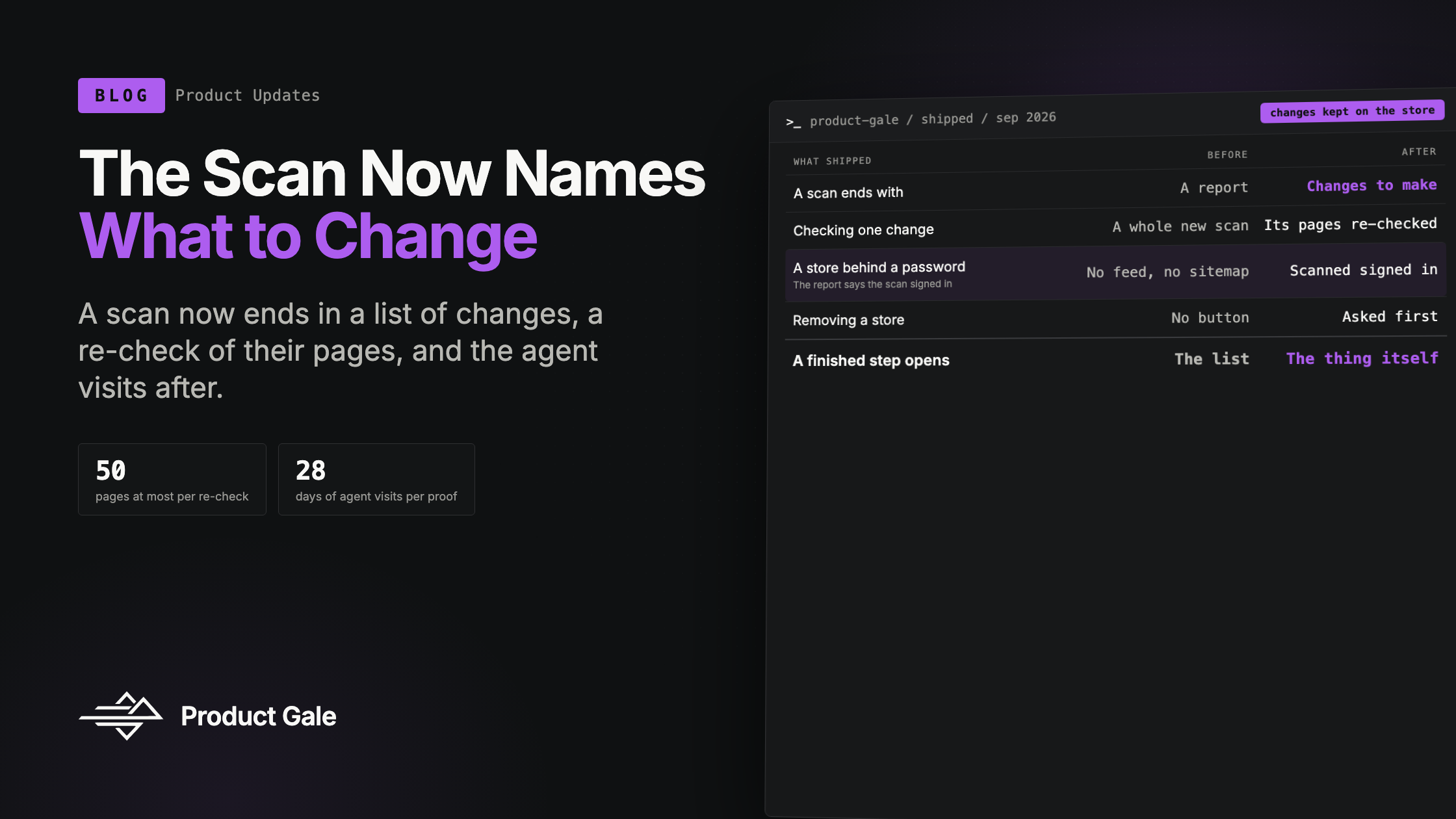
New in Product Gale: The Scan Now Names What to Change
What shipped since the last update: a scan that ends in a list of changes to make, a re-check that scans only the pages a change touched, a chart of agent visits after a change is confirmed, scans of stores behind a password, and a dashboard where every step opens the thing itself.
Product Gale Team
New in Product Gale: The Scan Now Names What to Change
Until the end of September, a scan ended in a report. The report said where an AI shopper got stuck on your store and why, page by page, and then it stopped. Turning "the agent could not find a return window on these pages" into a list of things to do, and later checking whether doing them made any difference, was work you did in a spreadsheet next to us.
Now the scan names what to change. The list is kept on the store, each change can be checked again on its own pages when you say it's done, and once it's confirmed you can see the agent traffic those pages received afterwards. Around that, the app was rebuilt around the store rather than around the scan.
A list of changes, made from what the scan recorded
When a scan finishes, its traces are turned into changes to make, and those are kept on the store. There is one change for the pages an AI client was refused at the door, and one for each buying fact the shopper could not find on the page. Each change names the pages it affects, how much work it is, and where it stands: open, being checked, confirmed or dismissed.
A change is never invented. Each one carries the scan and the trace it came from. Our own probe failures produce nothing: if our browser could not finish reading a page, that is ours to report, not a change for you to make.
Opening one change shows the trace as the shopper saw it, the change written in plain words, and the affected pages with the agent visits each one received when the store has a tracker. One button copies the whole thing as a brief, ready for whoever edits the store.
Two things went wrong before this was right, and both were about the screen saying nothing when there was something to say. A store scanned before the feature existed showed "Nothing to change" beside a scan full of failures, because changes were only derived when a scan completed after the release. The fix was to derive them once, on the way in, for every store's latest finished scan. Then a second case surfaced: a scan where the shopper lost even though every fact was found leaves nothing a rule can name. The card said "Nothing to change" there too, beside a shopper who could not buy. It now says "Nothing to name yet", because nothing found and nothing wrong are different facts, and we would rather show the gap than paper over it.
A re-check that scans only the pages that changed
Once you've made a change, you shouldn't have to scan the whole store again to see whether it took. Re-check on a change starts a scan of exactly its pages, up to 50, on the store's own address and nowhere else. When every page passes, the change is confirmed. When one still fails, it goes back to open with the re-check attached as its evidence, so the record shows what was tried and when.
A change can also be confirmed by a later full scan that no longer finds it. The page says which of the two confirmed it. Those are different kinds of evidence, and an early version of the copy said "re-check passed" for both, which was only half true.
Proof, drawn from the agents that actually came
A confirmed change on a store with a Product Gale tracker gets a chart: agent visits per day to its pages across 28 days around the confirmation, dimmed before it and full after. Referral clicks are left out; the chart counts agents reading the pages, which is the thing the change was meant to affect.
On the dashboard, a store says traffic confirmed once a real agent has reached a page of a confirmed change after the day it was confirmed. Without a tracker there is no chart, and the card says so and links to installing one rather than drawing an empty axis.
The chart's gridlines and its confirmation marker were invisible the first time the page was opened in a browser. The app's colours are stored in a form the stylesheet understands and an SVG stroke does not, so the lines were drawn in no colour at all. Every test passed. Looking at the page is what caught it.
Scanning a store that isn't open yet
A Shopify store that hasn't launched sits behind its storefront password, and a scan used to read that as a store with nothing on it. It reported that the store published neither a product feed nor a sitemap, which was true of what it saw and blamed the wrong thing.
Now a locked store is called locked. Adding one asks for the password in the same step, and skipping is allowed. The scan form asks for it the moment a scan finds the store locked, and the store page lets you set, replace or remove it. The password is tried against the store before it's kept, so a wrong one is refused and never stored. It's entered once and used by the scan, the index and every re-check of that store. It is never shown back, to you or anyone else in the workspace; the app only says whether one is set.
A scan that signed in says so, on the scan page, the report, the PDF and the store page. Real AI agents still meet the password page today, and the report is explicit that what it shows is how the store reads once it opens.
Also shipped this cycle
- A dashboard that is one table of stores. Ten to a page, searchable by name or address, with the stores that need you first. Every step in a row is a link over its whole cell, and one sentence above the table says what needs attention across the whole workspace, not only the page you're looking at. A step that doesn't exist yet says what a click will do and opens the form that creates it, with the store's address already filled in.
- A finished step opens the thing itself. Clicking a finished scan opens that scan, not the list of scans. An index opens that store's index, and a store with one open change opens that change. The sidebar shows the store you're in under Dashboard while the address names one, and never picks a store on its own.
- An index page for each store. It says what was read and what could not be reached, lists every page by what became of it with a filter by status, and lets you index again. The store's card had been saying "0 pages read" for a store holding 22, because it read a counter that nothing ever wrote. It counts the pages themselves now.
- Removing a store. From its row or from its own page, after one question asked in the same words in both places. Its scans leave the lists and the counts, its index is taken down with it so it stops answering questions, its stored password is cleared, and its traffic tag keeps reporting under Traffic. Reports you already shared keep working. A store with a scan running can't be removed until the scan finishes, and adding the same address again starts it from nothing.
- One way of saying things. Every date and every "how long ago" comes from one place, so a scan is no longer "2d ago" on one page and "2 days ago" on the next. A status is a chip in one of four tones, every button is the same button, and removing anything asks first in one dialog. Each of those rules has a check that fails the build when a new page breaks it.
Why this batch, together
A scan used to be the product's last word. It found things and handed them over. What shipped this cycle carries a finding through to the end: the change it implies, the pages it touches, the re-check once it's made, and the agent traffic after. The password work lets that start before a store has launched, the dashboard puts the next step one click from wherever you are, and removing a store takes every piece of it along. We still show and measure, and the merchant still makes the change. The difference is that the product now follows the change all the way to the proof.
Want to see what your store's list would say? Ask us for a scan, and we'll send you the changes, not just the report.
Keep reading
New in Product Gale: A Scan Report Anyone Can Open
What shipped over the last two weeks: a share link that opens the full report for someone with no account, a document redesigned to be sent cold, nine ways to look at one trace, and the two bugs the browser caught before a customer did.
Bots Passed Humans This Year. Here Is What the AI Ones Actually Do on a Store.
Cloudflare, Akamai, Fastly, HUMAN and DataDome all published edge data on AI bots in 2026. Put together, the numbers show retail absorbing nearly half of all AI bot traffic, agents spending 77% of their time on product and search pages, and Shopify's own reports hiding the whole thing.