Your Product Markup Is Not What ChatGPT Reads
We put the same price in a Product JSON-LD block on three pages and in visible text on two. ChatGPT reported the price only where it was visible text. Claude's page fetch and Gemini gave the same answers. The exact pages and answers.

Product Gale Team
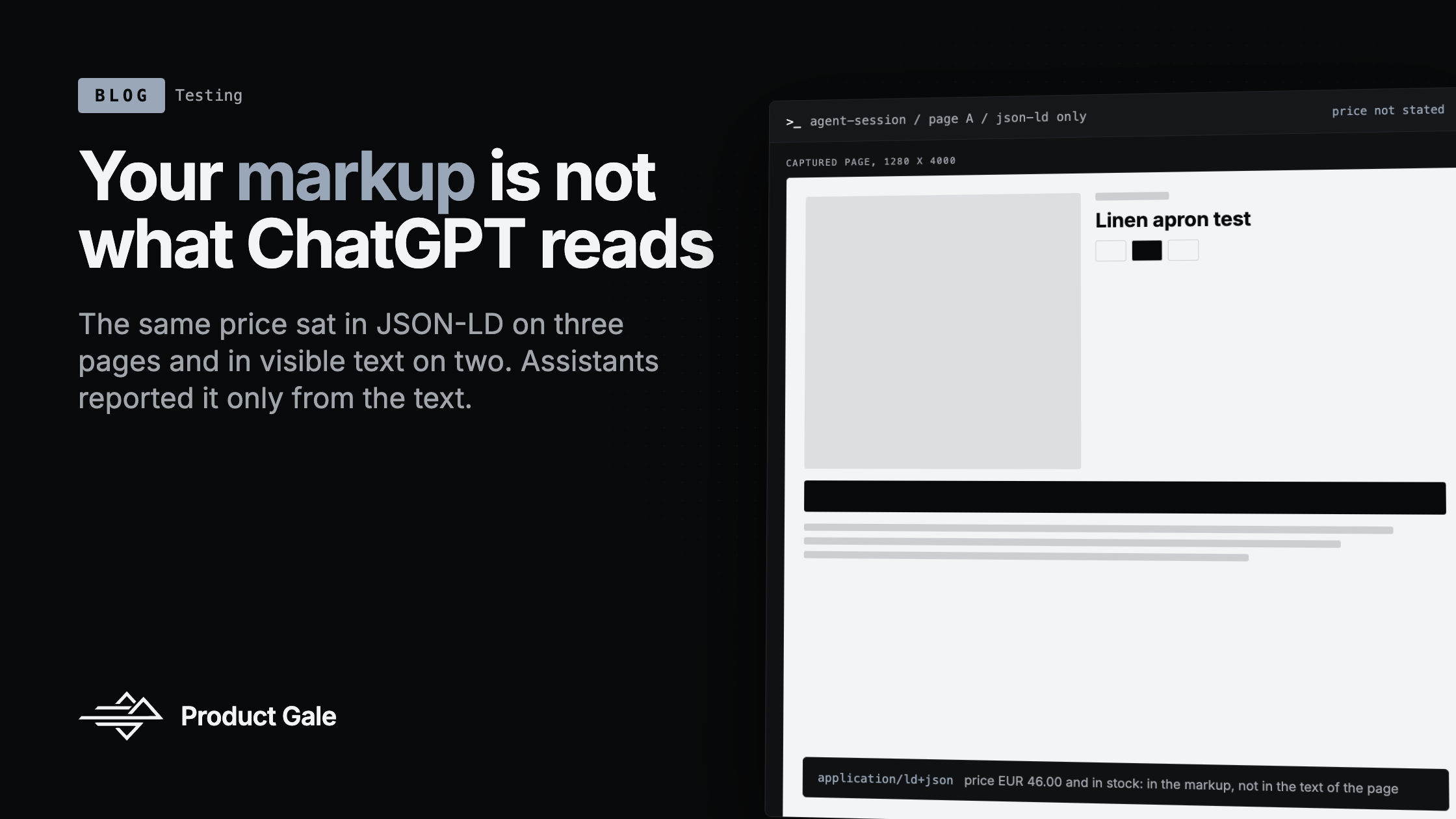
Many stores put their price and stock in schema.org Product markup (JSON-LD) and consider the job done. We tested whether the page readers inside ChatGPT, Claude and Gemini use it. In our test none of them did.
This is a small test on a demonstration store with fictional products. We say so first because the claim is narrow.
The five pages
Each page is a linen apron with a price of EUR 46.00 and a stock line of "In stock". Only the place of the price changes.
| Page | Size | Where the price sits |
|---|---|---|
| A | 437 bytes | Product JSON-LD only |
| B | 897 KB | Product JSON-LD only, in the head |
| C | 897 KB | Product JSON-LD only, at the end of the page |
| D | 897 KB | Visible text and JSON-LD, at the top |
| E | 897 KB | Visible text only, at the end of the page |
The large pages are padded with ordinary product page clutter (links and swatches), so we could ask whether size or position was the problem.
The question
We opened ChatGPT and Claude in their ordinary web interfaces and asked the same thing for each page, each time in a new conversation: open this address, tell us the price, currency and whether it is in stock, say exactly what the page states, and say so if it does not state something.
| Page | ChatGPT |
|---|---|
| A, JSON-LD only, 437 bytes | Price, currency and stock: "Not stated". It read the product name and description. |
| B, JSON-LD only, early | "Not stated" for all three |
| C, JSON-LD only, late | "Not stated" for all three |
| D, visible text and JSON-LD | EUR 46.00, in stock |
| E, visible text only, late | EUR 46.00, in stock |
We ran Gemini on all five pages. It said "not stated" for A, B and C, so it ignores JSON-LD too. It read the price on D, where the price is at the top. It missed the visible price on E, at the end of the 897 KB page, and told us it had cut the page off after the 124th link. On a small page with visible text it read the price. So position matters for Gemini, and in our runs it did not for ChatGPT.
Claude, asked about page A, also said "Not stated" for price, currency and stock. It added that its fetch tool returned only the readable text, and that a price might be in a JSON-LD block it could not see. Neither assistant invented a price, which is the good news.
We also ran Claude on C and E, with a caveat: that account had a desktop browser connected, which the plain page reader does not have. On E, where the price is visible text at the end of the page, it read "Price: EUR 46.00" and "In stock" after reading seven pages of the document. On C, where the price is only in JSON-LD at the end, it told us its plain fetch was cut off long before the product data and returned "not stated" for all three, and it found the JSON-LD values only after opening the page in the connected browser. We then asked it again, told to use only its fetch tool. It read the whole page in six parts, about 637,000 characters, and answered "not stated" for all three. It added that the fetch tool turns a page into readable text and usually drops script blocks, which is where JSON-LD sits. That is the same account the ChatGPT and Gemini runs point to, in Claude's own words. On page E with fetch only it read "Price: EUR 46.00" and "In stock", and it said its first fetch returned only the start of the page and it had to read six more pieces to reach the end. Claude reads long pages by paging through them, so a price at the end was found, at the cost of seven reads.
What this shows
For ChatGPT, size and position did not matter: it read a price at the end of a 897 KB page and missed one in a 437 byte page. For Gemini, position did. For all three, the plain page reader did not return a price that lived only in a JSON-LD block; Claude found one only by opening the page in a browser. What mattered was whether the price was in the text of the page, and for Gemini whether it was near the top. In this test, a price that lived only in a script block, JSON-LD included, was not read.
That fits something we saw on a real store. A Shopify product page of 588 KB had its price in JSON-LD and ChatGPT reported it as not stated. We had no explanation until this test.
How far down is too far
The big pages pushed us to a second question: does a plain visible price get lost when the page is long? We built pages of growing size with the visible price and stock line placed after the clutter, and asked Gemini the same question for each.
| HTML size | Readable text | Gemini |
|---|---|---|
| 16.6 KB | 6.5 KB | Read the price |
| 33 KB | 13 KB | "Not stated" |
| 66 KB | 26 KB | "Not stated" |
| 131 KB | 52 KB | "Not stated" |
We did not measure between 16.6 and 33 KB, so the cutoff is somewhere in that gap and we cannot say where. ChatGPT read the same kind of price at the end of an 897 KB page. Claude read it too, but only because its fetch tool pages through a long document: its first request returned the start of the page, and it needed six more reads to reach the end. A reader that stops after the first request would have missed it. Gemini did not read that far in our runs.
Real product pages are rarely this empty. A Shopify page with a long menu, a mega navigation and a grid of related products can put the buying facts many kilobytes in, and text that comes after a long block of links is the part a truncating reader never sees.
What to change, in order
These steps are the same whichever assistant you care about most.
- Put price, availability, delivery and returns in the HTML your server sends, as text. If a script writes them into the page after it loads, a reader that does not run scripts never sees them. View source on a product page and search for the price. If it only appears inside a script block, that is the problem.
- Move those facts near the top of the page. Place them before the navigation links, swatches and related products wherever your theme allows, because a reader that cuts the page off keeps the top.
- Keep your Product markup. Search engines and shopping feeds use it. It just does not replace the text.
- Ask an assistant about one product, and compare its answer with the page. Repeat after you change the theme.
How Product Gale reports it
The scan reads each product page the way an assistant does. It records which facts were in the page text your server sent, which appeared only after scripts ran or only in markup, and which sat far down the page. Each of those becomes a recommendation with the page it affects and a re-check after you make the change. Product Gale shows what the assistants could and could not read; the change is yours to make. You can see how a scan reads a page.
What this does not show
- Two runs per page for ChatGPT and Gemini, free versions, several days apart, with the same answer every time. Claude was run on pages A, C and E, twice each with only its fetch tool, again with the same answers. The first C and E runs had a connected browser the ordinary reader lacks, and we do not count them.
- Fictional products on a demonstration store. One real store page agrees with it; that is one page.
- This is about the web page readers inside these assistants when asked to open an address. Search engines and shopping feeds read structured data, and we did not test them.
- Readers change. Run this on your own pages before you rely on it.
What to check on your own store
- Look at the page your server sends. Open a product page, choose view source, and look for the price in the text, outside any script block.
- Ask an assistant the same plain question for one product and compare its answer with the page. Quote what it says, not what you hoped it would say.
- Keep the markup if you use it for search engines or feeds, and also state price, availability, delivery and returns in the page text where every reader finds them.
- Read your noscript text. A line telling visitors to enable JavaScript is read by assistants too, and on our first test page it made Claude hedge even after it had read the correct price.
Product Gale's scan lists which of these facts on your pages an assistant could not read, what each is worth, and re-checks the page after you change it.
Keep reading
Supplements in AI Answers: Chatbots Did Worst on Nutrition. The FTC Still Judges Your Page.
CRN says 75% of US adults take supplements. A BMJ Open audit found 49.6% of chatbot health answers problematic, with nutrition the weakest topic. Product.ai found 24.9% of AI shoppers did not know an assistant can repeat brand marketing as fact. The FTC rules sit beside them.
Fit Drives Most Apparel Returns. Apparel Product Pages Are the Hardest for AI to Read.
Loop says fit and size drive 56% of apparel returns. Baymard says 48% of apparel shoppers read reviews for fit. Adobe scores apparel product pages 50% readable by AI, the lowest of six retail sectors. We set the three side by side, with Google's and OpenAI's feed rules.
What are AI shoppers costing your store?
Paste your store address and the free scan starts right away. Nothing to install.
Prefer our reporting in Google
Add Product Gale as a preferred source and our posts are marked as preferred for you in Top Stories, AI Mode and AI Overviews.